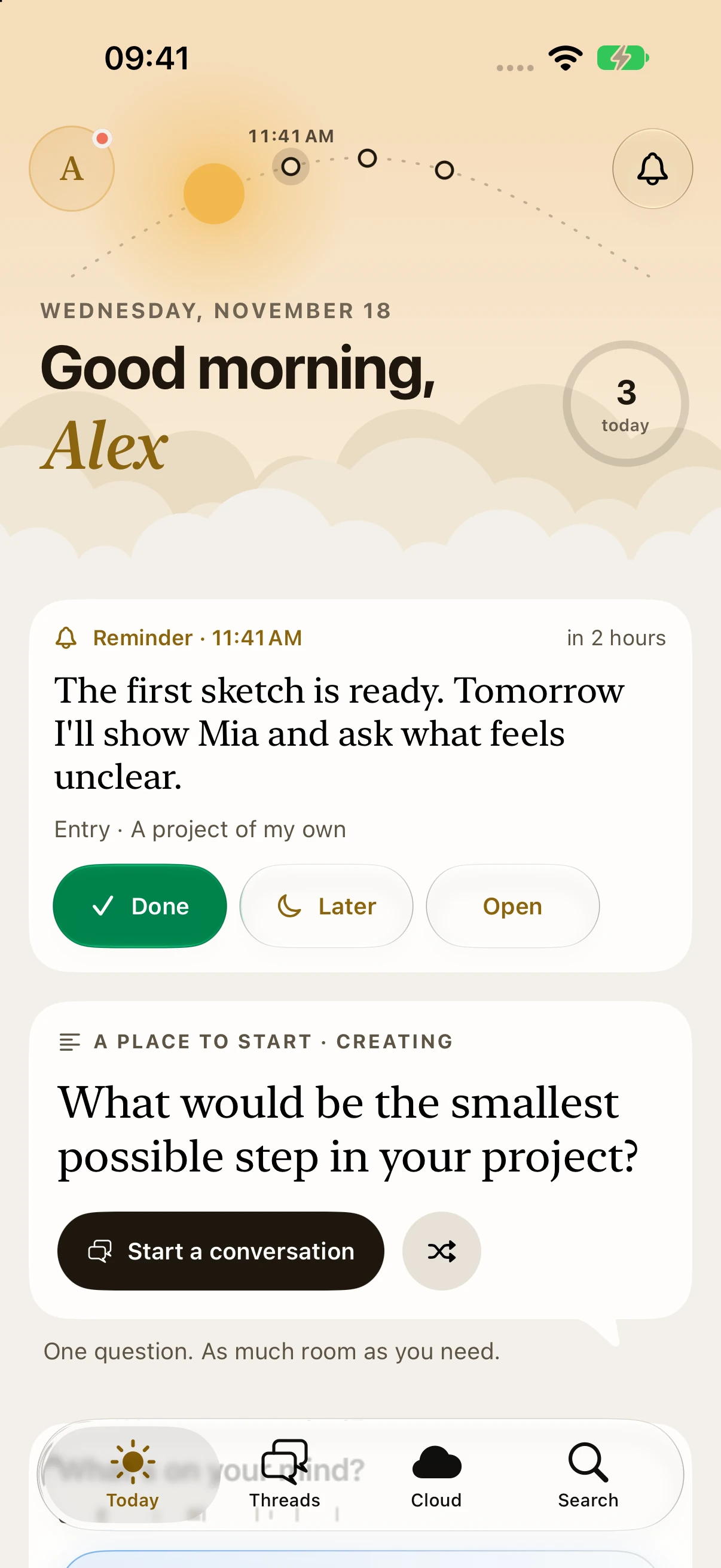
Today
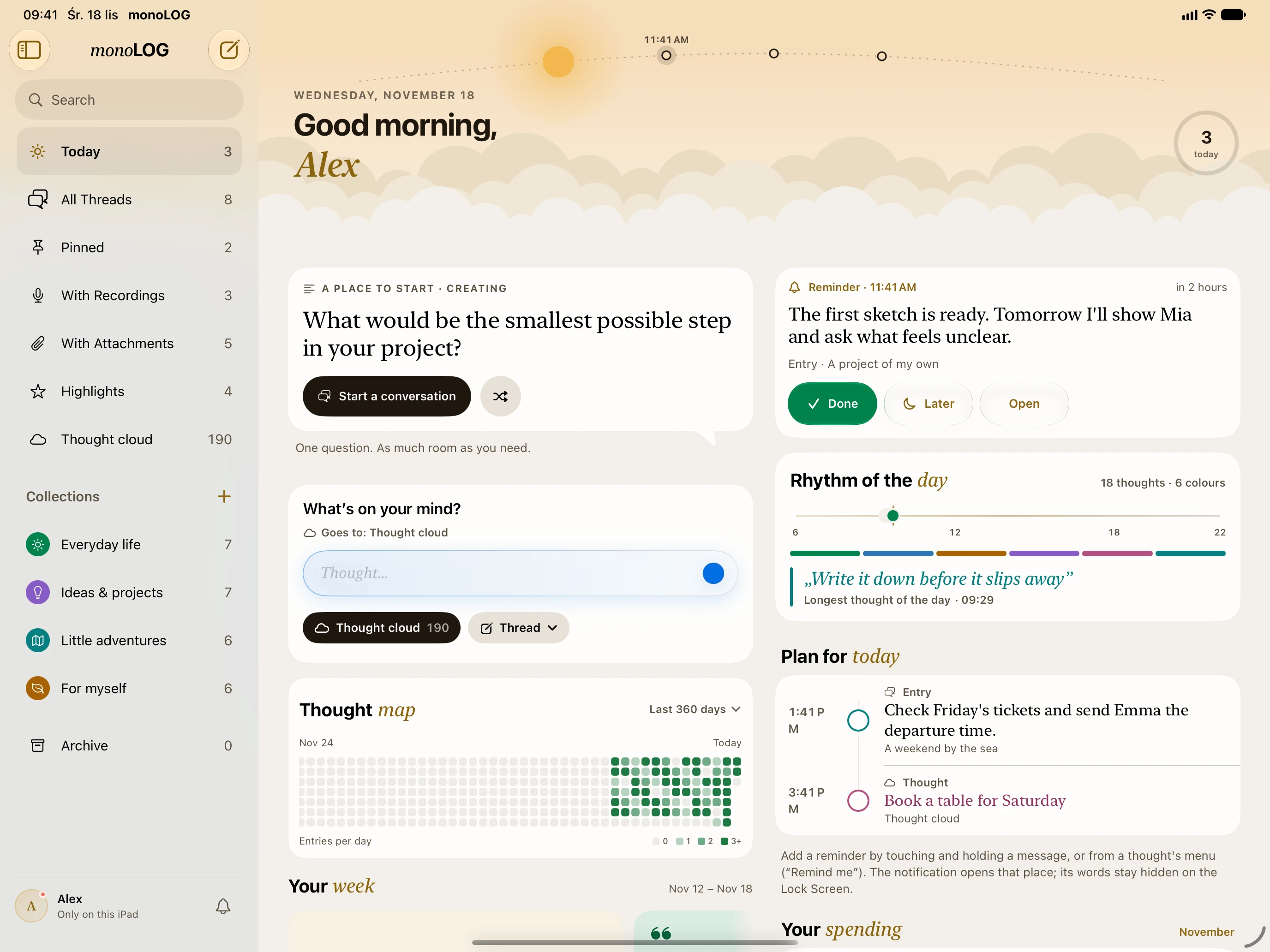
Write down what’s on your mind and bring reminders, plans and spending together in one place to organise your day and return to what matters.
Return to what matters, whenever you like.A personal journal.
Some thoughts make more sense once you write them down. Give them a dedicated space you can return to.
I don’t need the whole plan.
One small step is enough.
09:41More about monoLOG
A sentence, a longer conversation, or a thought about to slip away. You do not have to know what to do with it yet.
Write down what’s on your mind and bring reminders, plans and spending together in one place to organise your day and return to what matters.
Return to what matters, whenever you like.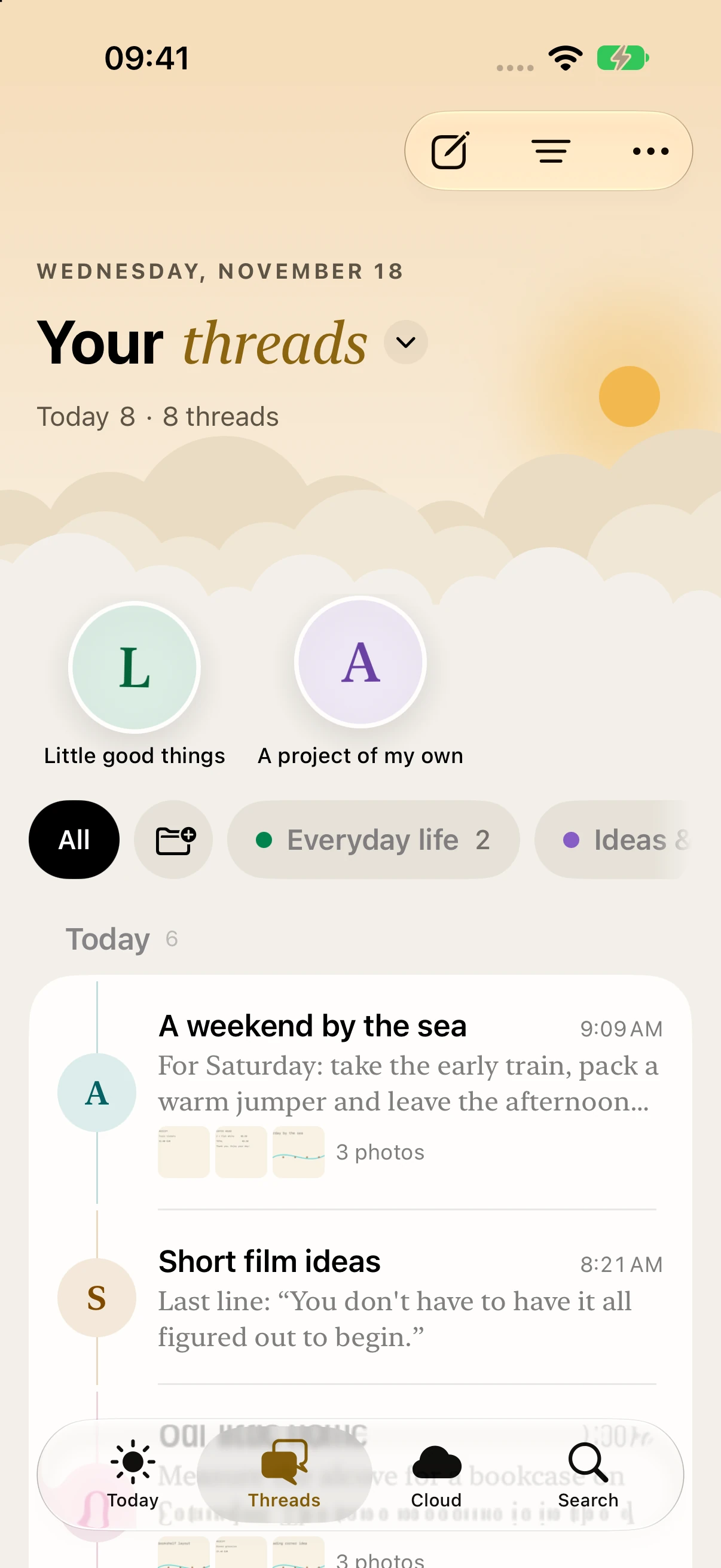
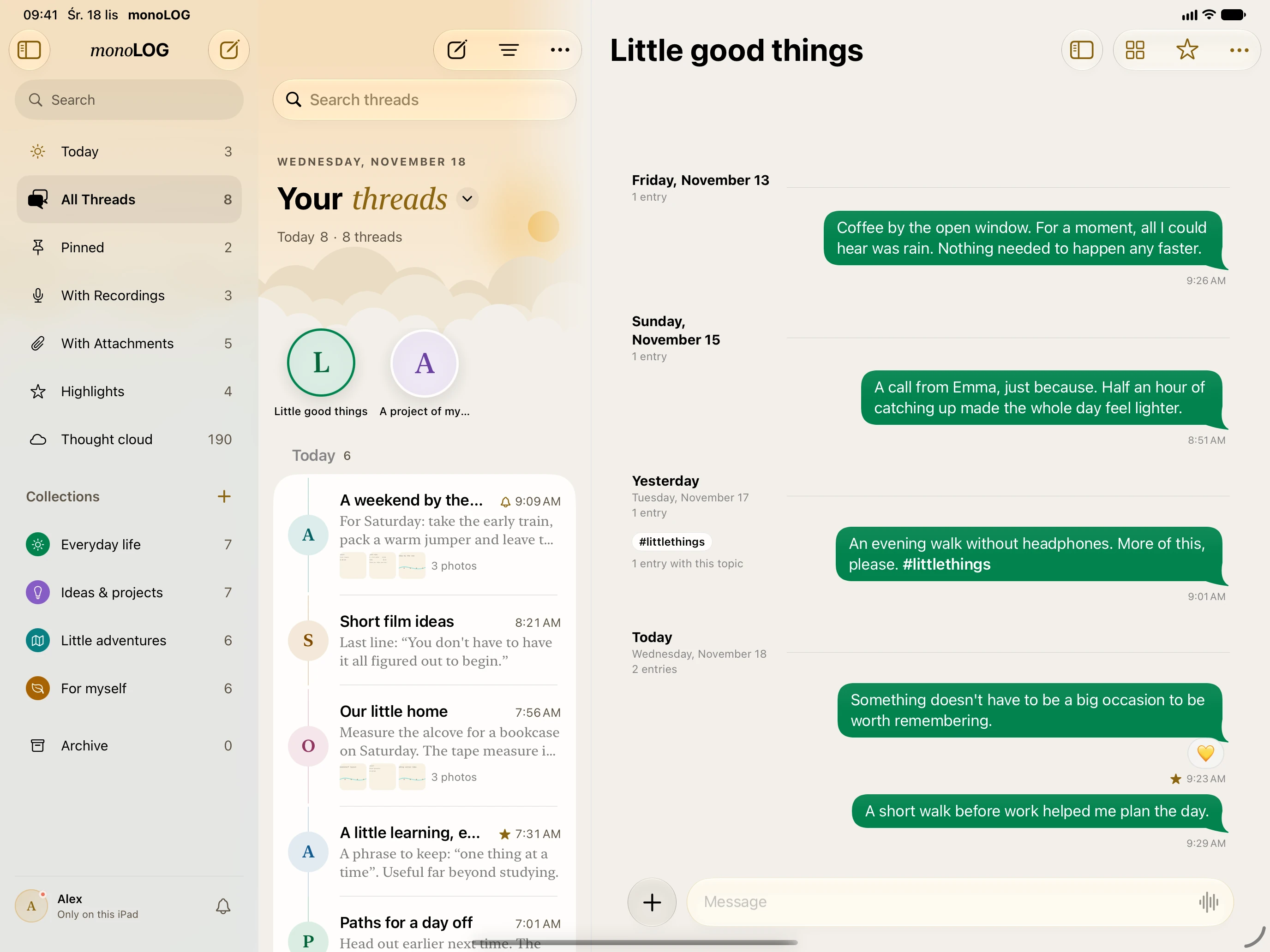
Write to yourself like a conversation. Add a thought, revisit an earlier one and organise topics in your own collections.
One conversation. As much space as you need.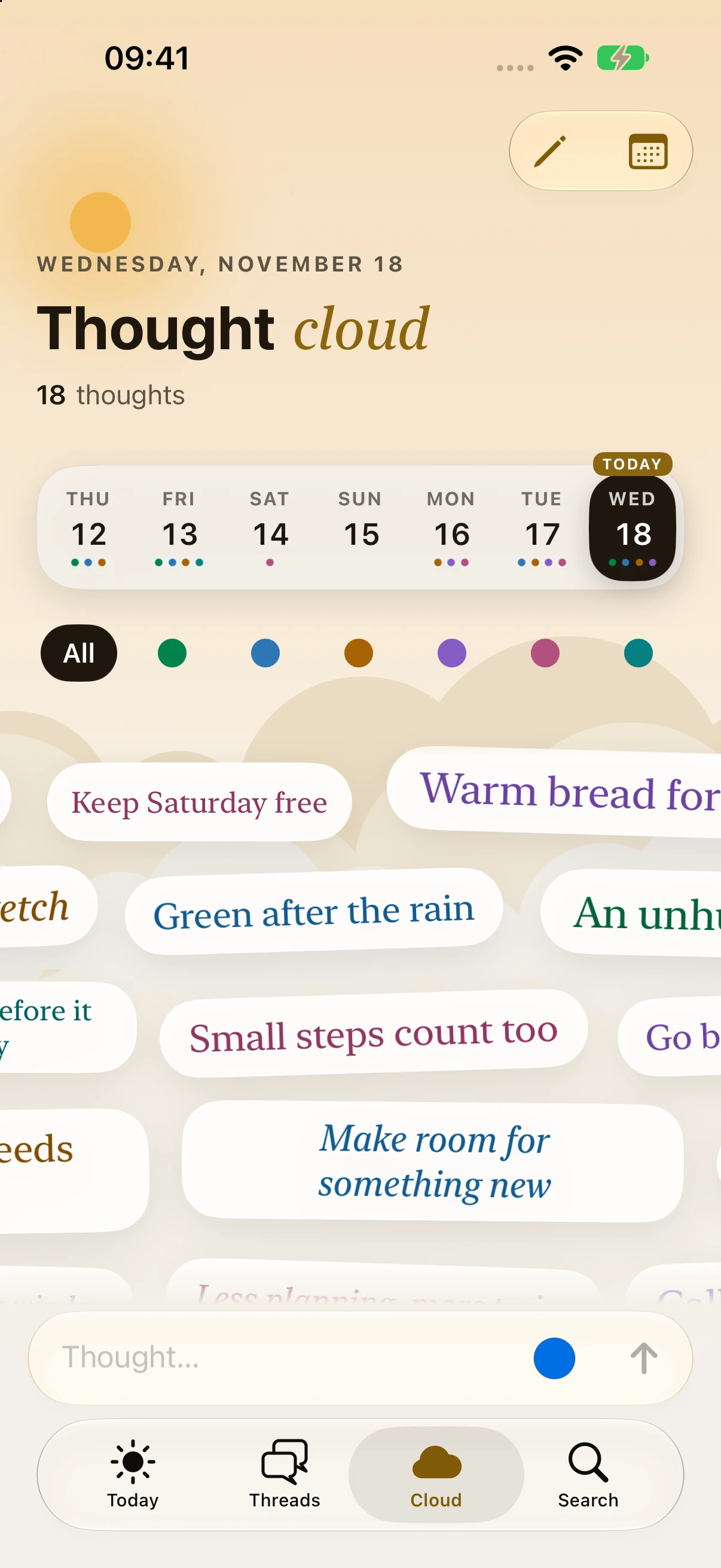
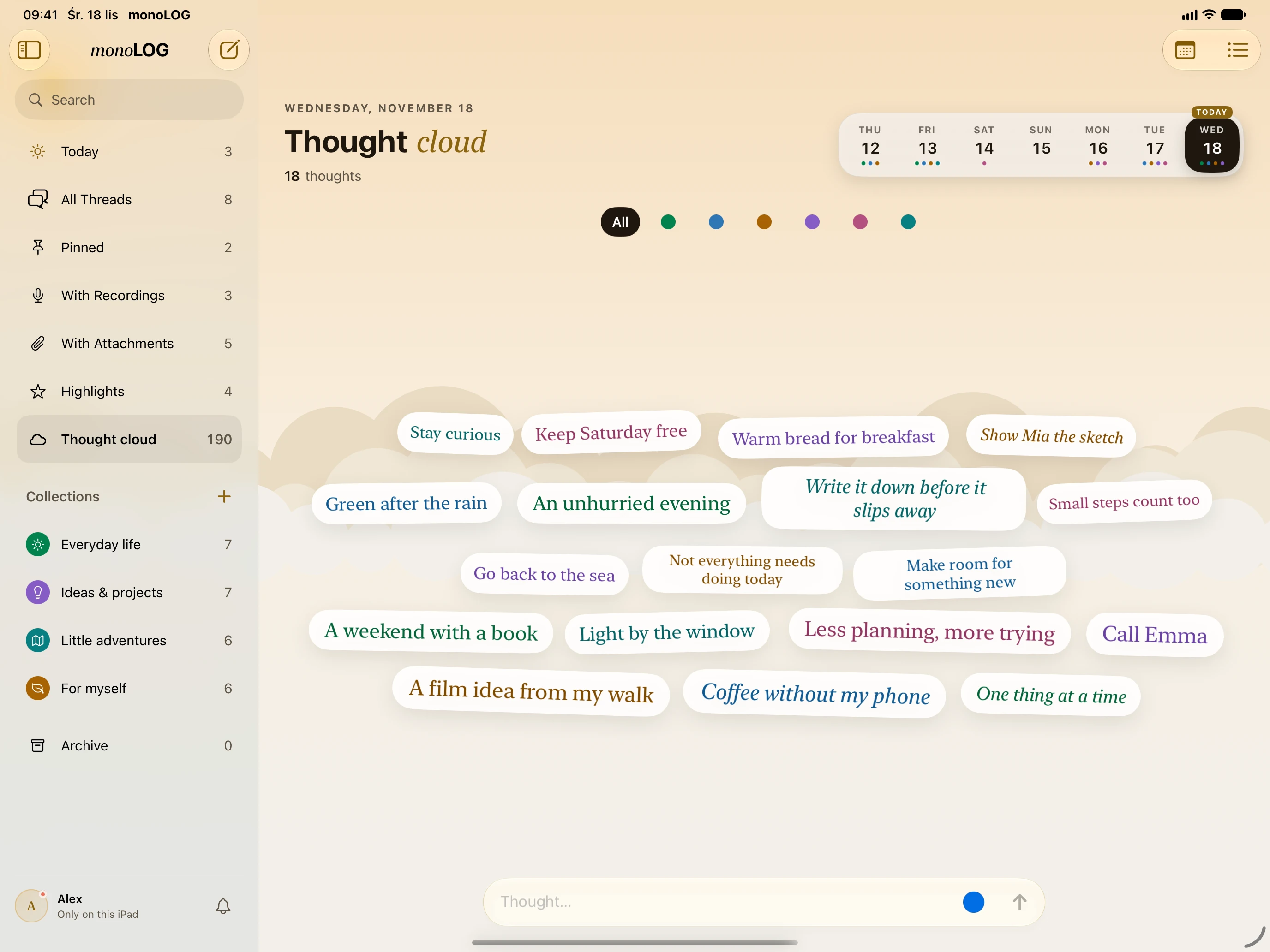
Not every thought needs a thread of its own. Leave it here before it slips away. Return whenever you like.
Let your thoughts and plans drift freely.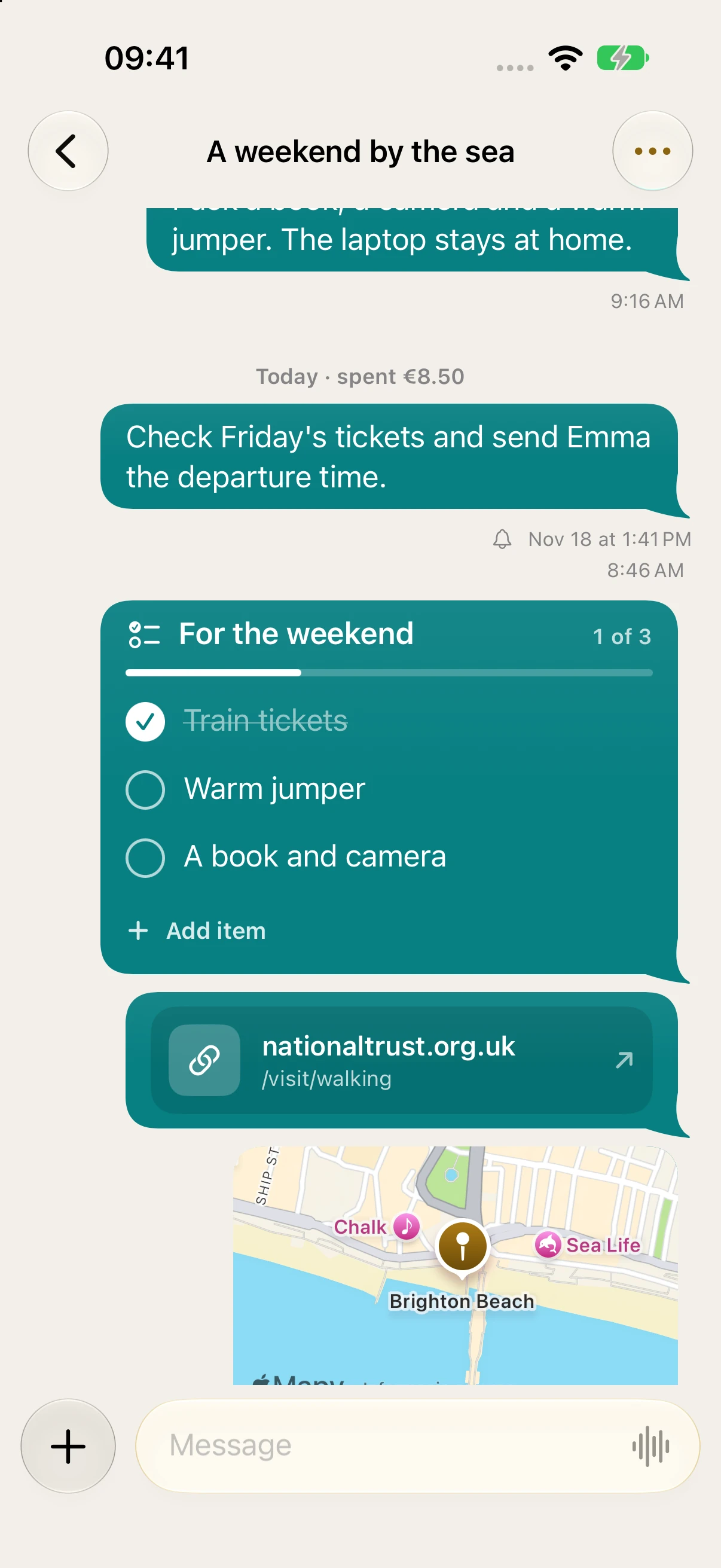
Words, photos and recordings in one thread. Pick up where you left off whenever you like.
Your travel plans and creative ideas are in one place.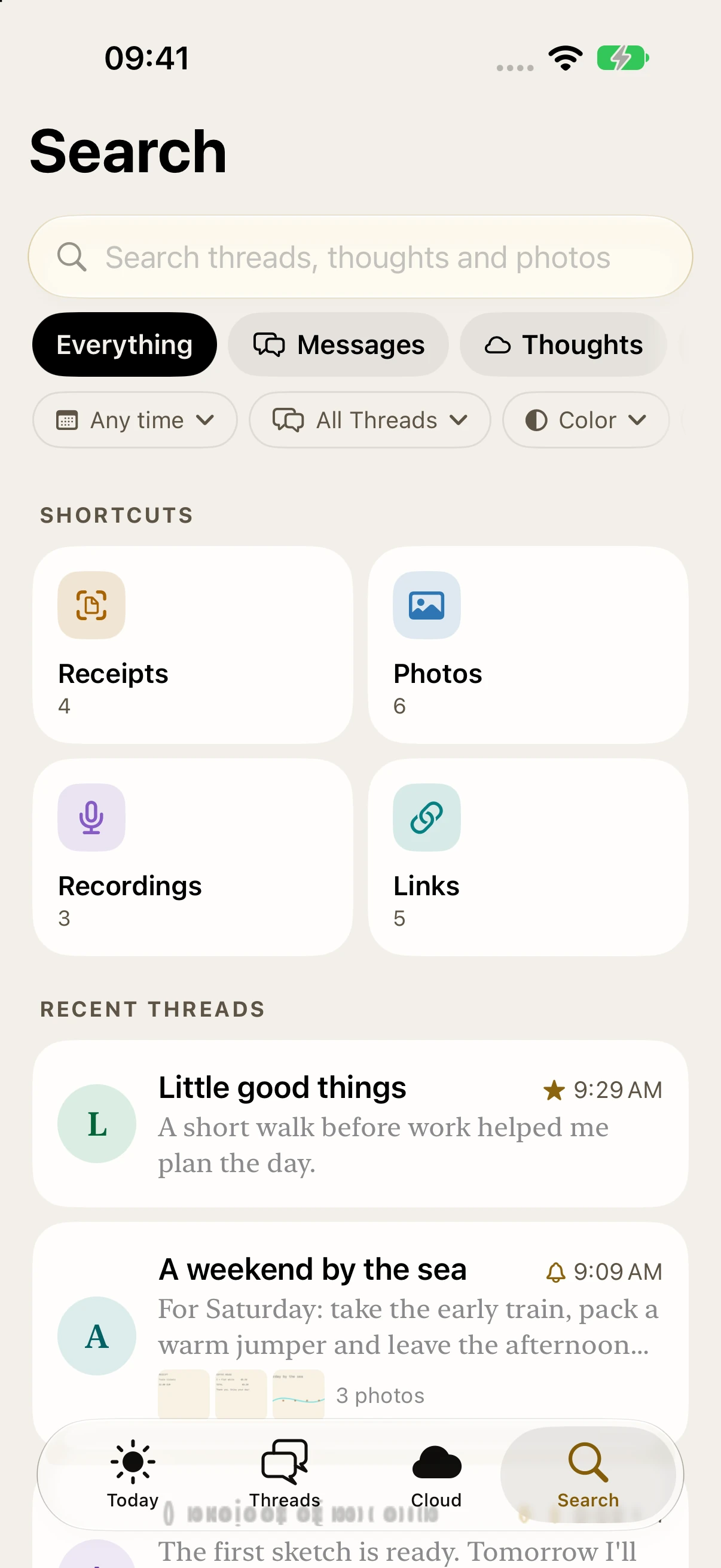
Find saved words, photos, recordings, receipts and links. Use filters to return to what matters.
Find transcriptions, text in images and individual words.monoLOG
A place for your ideas
Browse the threads and see where your thoughts could take you.
From an idea caught on the go to a first script.
A reel about how waiting for the perfect moment stops us from starting.
Film on Saturday morning, by the window.
Gather sentences and sources before bringing them together.
Topic: consume less, create more of my own.
Opening line: This week I made something small, but my own.
Send it on Sunday at 9:00.
Photos, sketches and your own notes in one place.
I like how calm these colours feel. Use this in the project.
A first sketch of the composition. It doesn’t have to be perfect.
Direction: more space, fewer elements.
Give an idea a home and write down the next step.
I want to make a simple website for my favourite photos.
Working title: After-hours frames.
For tomorrow: just choose the photos. The rest can wait.
Organize what you want to say and what you want to ask.
I want to talk about my role and where to grow next.
I’ll start with a concrete example from the last project.
Finally: what could I do better?
Keep your travel plan, places and documents together.
Leaving Friday after work.
Leave some time to wander without a plan, too.
Keep traces of changes that are easy to miss.
Week one. Keeping a record of where I started.
Today felt a little easier than last time. Small, but real.
One step at a time.
Ideas, measurements and receipts without searching everywhere.
A sketch of the reading corner. Measure the wall before buying.
Sample threads, entries and materials.
Your entries are stored locally. No account or ads. You can also turn on a PIN lock with Face ID or Touch ID and hide content in the app switcher.
Good to know
No. It is a journal and a place for your own thoughts. The app does not generate replies or send your entries to AI models.
On your device. monoLOG has no accounts or its own server for storing your journal. iOS device backups may include app data, according to your Apple settings.
Yes. Writing, reading, search, recordings and their transcription all work without the internet, because speech recognition happens on your device. A connection may only be needed for Apple Maps, opening saved links or sharing services you choose.
Yes, supported text can be exported to Markdown. This is not a complete database backup and does not include all attachments. See the privacy policy for details.
A single photo or file can be up to 25 MB. A voice recording can last up to 5 minutes and a video note up to 1 minute. You can have up to 60 reminders and letters to yourself scheduled at the same time.
You do not need a finished story. Start with what you want to tell yourself today.
Get it on the App StoreHave a question? Get in touch.